
Technology
QNu Labs Secures ₹150 Crore Govt Support to Develop Indigenous Quantum Security and Sensing Technologies
October 17, 2026
2,191 views
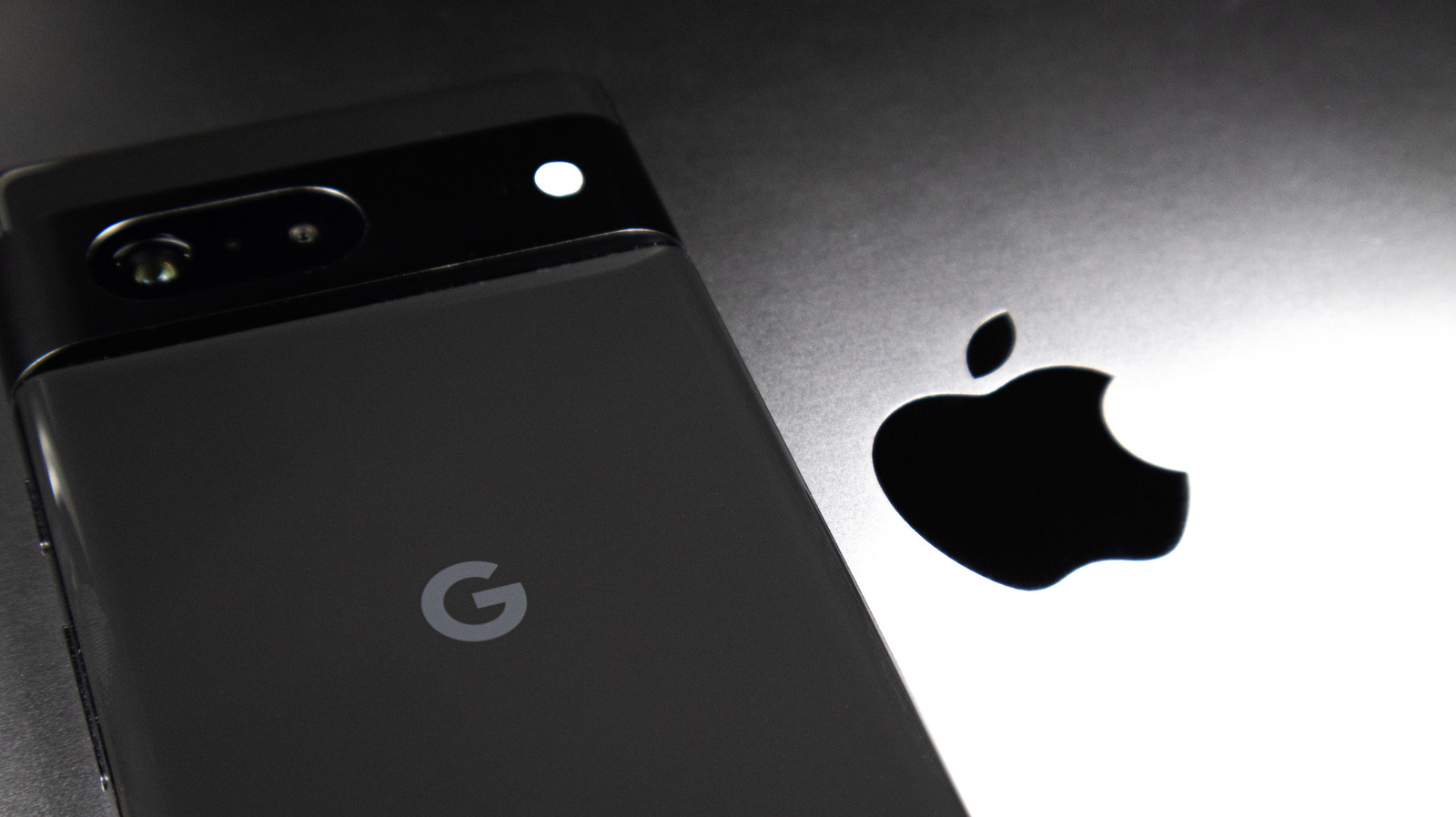
In today’s world, where sharing moments through images and videos has become an integral part of our lives, transferring these precious files between different operating systems can sometimes be a challenge. Specifically, sending high-quality images and videos from an Android device to an iPhone can lead to potential quality loss. However, there are several effective methods to ensure that your media retains its clarity and vibrancy during the transfer process. In this article, we will explore these methods in detail, enabling you to send your cherished memories without compromise.
When transferring files between Android and iPhone, several factors can hinder the quality of images and videos. Compression is one of the primary issues. Many messaging apps and email services automatically compress files to save bandwidth and speed up delivery times, which can result in a significant decrease in quality. Additionally, differences in file formats and resolutions can further complicate the transfer process, leading to less-than-satisfactory results.
One of the most reliable ways to send high-quality images and videos is by utilizing cloud storage services such as Google Drive, Dropbox, or OneDrive. Here’s how to do it:
This method not only preserves the quality of your media but also offers a convenient way to share multiple files at once.
There are several third-party apps designed specifically for transferring files between Android and iPhone. Apps like Send Anywhere or SHAREit provide a seamless experience for transferring large files without losing quality. Here’s a brief guide on using these apps:
These apps often support various file formats and sizes, making them a versatile choice for anyone frequently sharing media across platforms.
While emailing images and videos is a common method, it requires caution to ensure quality is preserved. Many email services apply compression, especially for larger attachments. However, using certain settings can help maintain quality:
This method can be effective but requires attention to detail to ensure the quality of your media is not compromised.
For those who prefer a more traditional approach, directly transferring files using USB cables can be an effective method. This process may take a bit longer but guarantees that the quality remains intact:
This method is particularly useful for users who have large files or wish to transfer a substantial number of images and videos at once.
Transferring high-quality images and videos from Android to iPhone doesn’t have to be a daunting task. By utilizing cloud storage services, file transfer apps, or direct USB connections, you can ensure that your memories remain as vivid as you remember them. Remember to choose the method that best suits your needs and always be mindful of the settings to avoid unwanted compression. With these tips, you can effortlessly share your media across platforms while preserving their quality.


Loading more news...
You've reached the end of our news feed. Check back later for more updates!