
Technology
QNu Labs Secures ₹150 Crore Govt Support to Develop Indigenous Quantum Security and Sensing Technologies
October 17, 2026
2,191 views
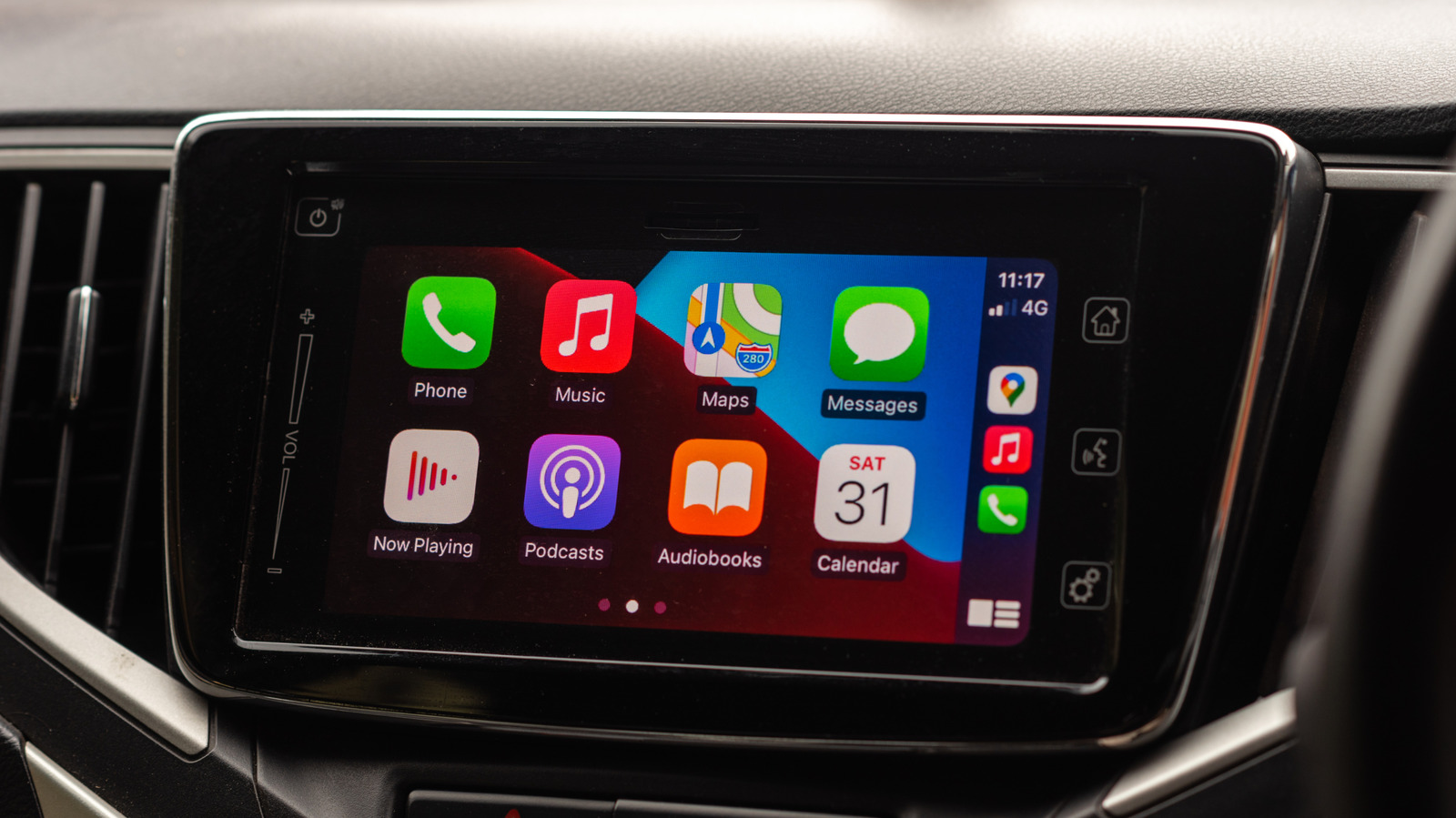
In an era where technology is seamlessly integrated into our daily lives, Apple CarPlay has emerged as a popular feature for many car owners, allowing for a streamlined connection between the smartphone and vehicle. However, not everyone finds this feature beneficial. Some users may feel overwhelmed by the constant notifications or simply prefer the simplicity of using their car without the distractions of an app-filled interface. If you find yourself in this category, fear not—there are various methods to disconnect CarPlay and halt its automatic connection to your phone.
Before delving into the disconnection methods, it’s essential to understand what Apple CarPlay is and how it works. CarPlay is designed to mirror your iPhone's interface onto your car's display, enabling you to use apps like Maps, Music, and Messages with ease. This connection typically happens automatically when your iPhone is plugged into the car’s USB port or when Bluetooth is enabled. While this feature can enhance your driving experience, it can also lead to frustration when your phone connects without your consent.
The easiest way to stop CarPlay from auto-connecting is to modify the settings directly on your iPhone. Here’s how:
By doing this, your iPhone will no longer recognize the vehicle, and thus, it won’t connect automatically.
If your vehicle connects to your iPhone via Bluetooth, you can also disable this feature to prevent CarPlay from activating:
This action will disconnect your iPhone from the car’s Bluetooth system and stop CarPlay from auto-launching.
Another way to control CarPlay's behavior is to disable Siri, as it plays a significant role in CarPlay's functionalities. Here’s how:
By disabling Siri, you may find that the connection to CarPlay isn’t as persistent, giving you a more controlled experience.
If your car connects to your iPhone via a USB cable, you can alter the settings to prevent CarPlay from launching automatically:
By adjusting these settings, you can enjoy your music and navigation without the interference of CarPlay.
Many modern vehicles come with settings that allow you to manage CarPlay independently from your iPhone:
This will effectively stop your car from attempting to connect to any iPhone via CarPlay.
While Apple CarPlay offers numerous advantages, it’s not for everyone. Whether due to distractions, personal preferences, or simply wanting a break from technology, knowing how to disable CarPlay is essential for a more customized driving experience. By following the methods outlined above—disabling CarPlay from your iPhone, adjusting Bluetooth settings, turning off Siri, changing USB preferences, or turning off CarPlay in your car's settings—you can regain control over your driving experience. Enjoy the drive, free from the interruptions of automatic connections!


Loading more news...
You've reached the end of our news feed. Check back later for more updates!