
Technology
QNu Labs Secures ₹150 Crore Govt Support to Develop Indigenous Quantum Security and Sensing Technologies
October 17, 2026
2,191 views
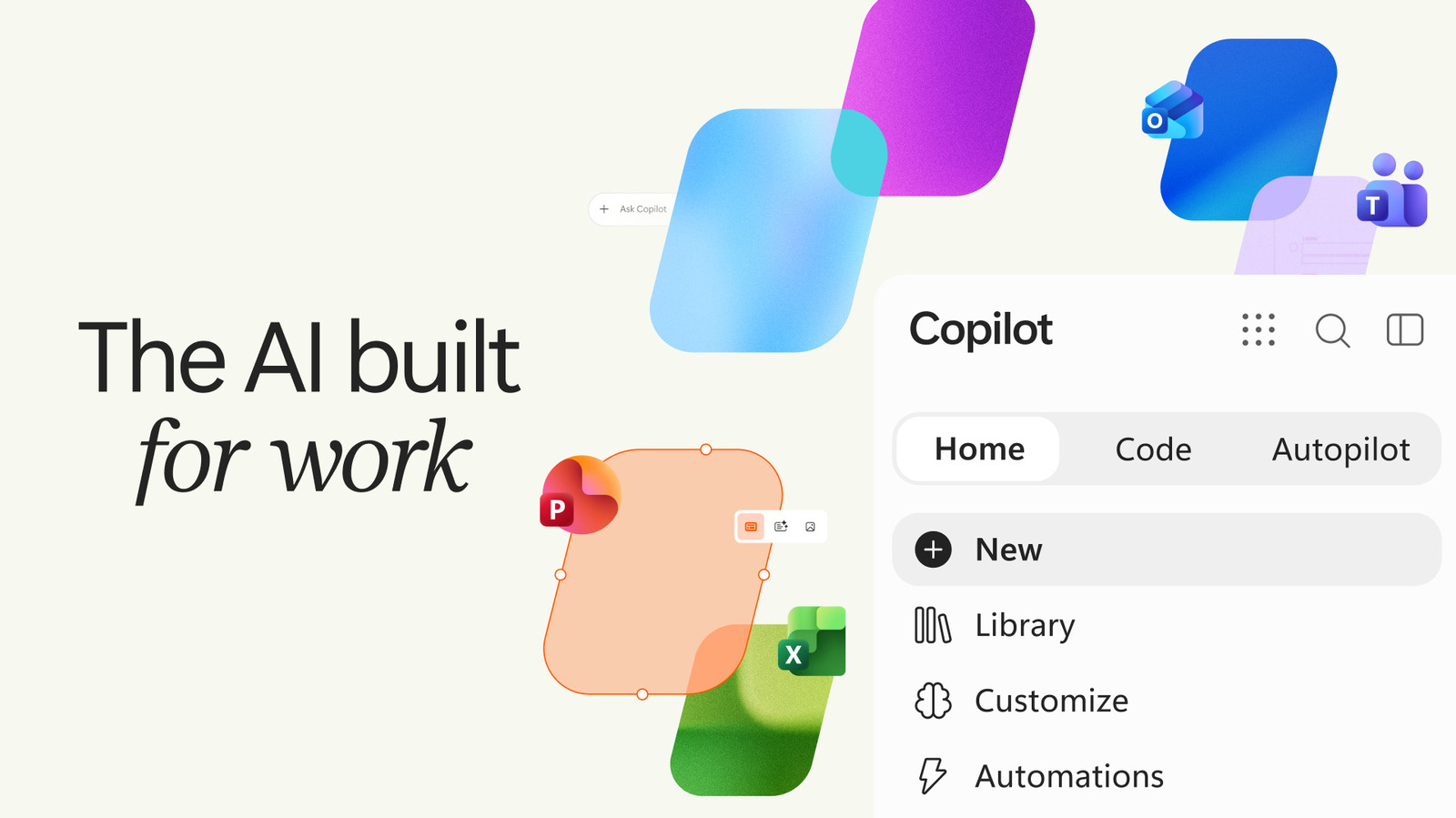
Microsoft has once again revitalized its Copilot application, an AI-driven tool designed to enhance productivity across various platforms. While the company has taken a more measured approach to integrating AI features directly into Windows, it continues to innovate and expand the capabilities of its standalone Copilot app. Following a minor update earlier this year, this latest revision introduces a host of new features, including a new tabbed interface, which aims to streamline user experience and improve accessibility to various tools.
The most notable change in this iteration of the Copilot app is its tabbed interface, which allows users to navigate between different functionalities with ease. This design shift not only enhances usability but also aligns with modern application trends that prioritize user engagement and simplicity. Users can now switch between Office tools, coding assistance, and automation features seamlessly. This is particularly beneficial for professionals juggling multiple tasks, as it reduces the time spent navigating through menus and options.
One of the key features of the updated Copilot app is its integration with Microsoft Office applications. Users can now leverage AI to enhance their productivity in programs like Word, Excel, and PowerPoint. For instance, the Copilot can assist in drafting documents, generating data insights, or even designing compelling presentations. This integration not only saves time but also empowers users to create high-quality outputs with minimal effort. By embedding AI directly into Office applications, Microsoft is reinforcing its commitment to providing users with intelligent tools that adapt to their workflow.
Another exciting addition to the Copilot app is its natural coding functionality. This feature is designed to assist developers and coders by providing suggestions and code snippets based on natural language input. Instead of requiring users to know the exact syntax or commands, the Copilot can interpret plain English requests and generate the appropriate code. This not only accelerates the coding process but also makes programming more accessible to those who may not be experts in the field. With this feature, Microsoft is aiming to bridge the gap between technical and non-technical users, fostering a more inclusive environment for software development.
The Copilot app also embraces automation, a crucial aspect for businesses looking to improve efficiency and reduce manual workloads. Users can now automate repetitive tasks within their applications, allowing them to focus on more strategic initiatives. For example, the app can automatically generate reports, schedule meetings, or send reminders based on user preferences. This level of automation not only boosts productivity but also minimizes the risk of human error, ensuring that tasks are completed accurately and on time.
Microsoft's Copilot app is powered by advanced AI algorithms that continually learn from user interactions. This means that the more users engage with the app, the more it tailors its insights and recommendations to fit their individual needs. Whether it's suggesting the best way to visualize data in Excel or providing contextually relevant information for a presentation, the AI component of Copilot is designed to enhance the overall user experience significantly. This personalized approach is intended to foster greater productivity and creativity, as users can rely on the app to provide relevant and timely information.
As with any new technology, user feedback will be crucial in shaping the future of the Copilot app. Microsoft has encouraged users to share their experiences and suggestions, which will help the company refine and enhance the app further. With the rapid advancements in AI and machine learning, it is likely that we will see more features and improvements in upcoming versions. Microsoft’s commitment to listening to its user base reflects a broader trend in the tech industry, where user-centric design and functionality are becoming increasingly important.
In summary, Microsoft’s latest update to the Copilot app marks a significant step forward in integrating AI into everyday tools for productivity. With its new tabbed interface, enhanced Office integration, natural coding capabilities, and automation features, the app promises to revolutionize the way users interact with technology. As Microsoft continues to innovate and adapt to user needs, the Copilot app stands poised to become an essential tool for professionals across various sectors. Whether you are a seasoned developer or a casual Office user, the enhanced capabilities of Copilot are designed to empower you to work smarter and more efficiently.


Loading more news...
You've reached the end of our news feed. Check back later for more updates!